



Automate Google Reviews: Your 2025 Guide to Review Automation That Actually Works

- Why Reviews Drive Growth
- What Is Review Automation (And Why You Need It Now)?
- How Google Reviews Impact Visibility and Conversion
- How to Automate Google Reviews: Step-by-Step
- Best Tools to Automate Google Review Requests
- When and How to Ask for Reviews Automatically
- Displaying and Managing Reviews Automatically
- Common Mistakes to Avoid in Review Automation
- Real-World Results of Google Review Automation
- Conclusion: Automate Reviews, Amplify Trust
- Want to automate Google reviews for your business?
Why Reviews Drive Growth
Here’s a stat you can’t ignore: 95% of consumers read reviews before making a purchase.
And when it comes to visibility and trust, Google Reviews stand above the rest. They’re not just testimonials—they’re fuel for SEO, social proof, and conversions.
But collecting reviews manually? That doesn’t scale. It’s time-consuming, inconsistent, and often gets pushed to the bottom of the to-do list.
That’s where review automation comes in. In this guide, we’ll show you how to automate your Google review requests, turn satisfied customers into promoters, and grow your business with zero extra effort.
What Is Review Automation (And Why You Need It Now)?
Review automation is the process of sending review requests to customers using an automated system—no manual follow-ups, no spreadsheets.
These requests can be sent through:
- SMS
- QR codes
- Embedded widgets
Automating your review process increases the chances of getting real feedback at the right moment—when the customer is most satisfied and ready to share their experience.
Whether you’re a local service provider, SaaS company, or eCommerce brand, automated Google review requests give you a consistent, scalable way to build your reputation.
How Google Reviews Impact Visibility and Conversion
Google’s algorithm heavily factors in both the quantity and recency of reviews when ranking businesses in local search and Google Maps.
More reviews = better visibility = more clicks.
But it doesn’t stop there. Reviews also:
- Increase trust with new visitors
- Improve on-site conversion rates
- Act as social proof in high-intent decision moments
Simply put: the more high-quality Google reviews you have, the easier it is for people to find and choose you.
How to Automate Google Reviews: Step-by-Step
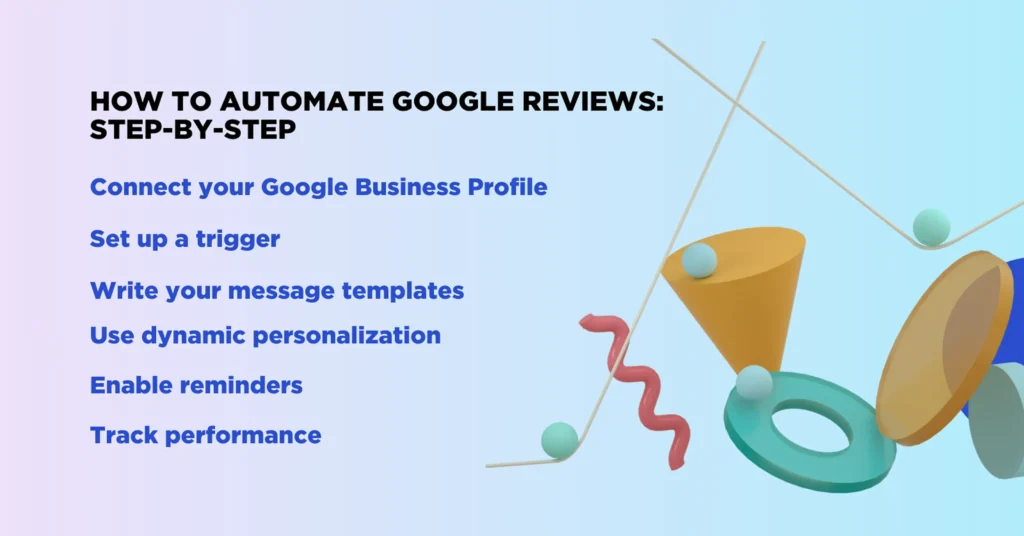
Ready to build your automation? Here’s how to do it properly:
- Connect your Google Business Profile to your CRM or automation platform.
- Set up a trigger—like after a completed purchase, appointment, or ticket closure.
- Write your message templates for email, SMS, or WhatsApp.
- Use dynamic personalization (first name, product, location, etc.).
- Enable reminders for those who don’t respond on the first try.
- Track performance—open rates, click rates, and completed reviews.
Best Tools to Automate Google Review Requests
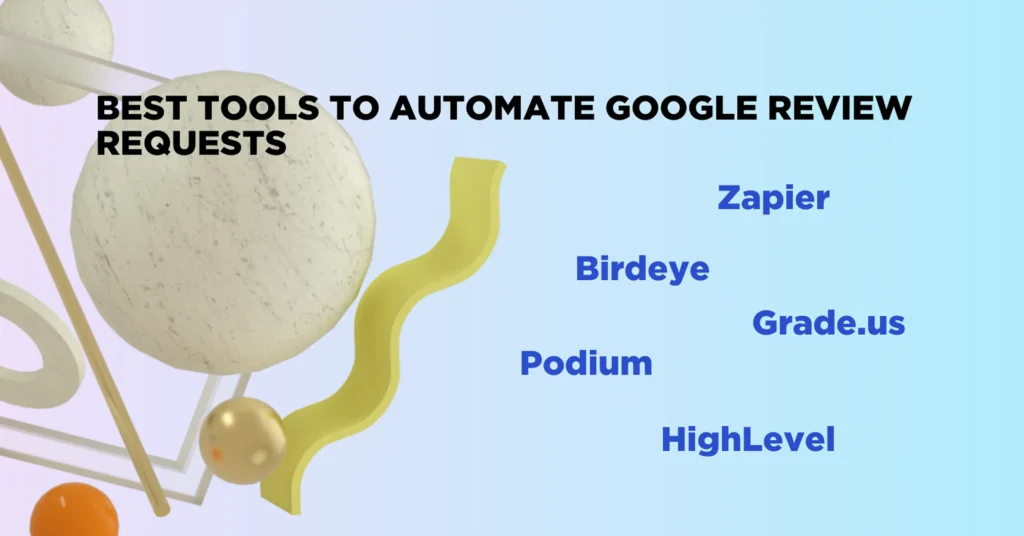
Not all tools are created equal. Some are built specifically for review collection, while others offer it as part of a broader automation suite.
Here are top picks for 2025:
- HighLevel – All-in-one CRM with integrated review automation flows
- Birdeye – Reputation management with strong Google review features
- Podium – Focused on messaging and review collection in real time
- Grade.us – Great for agencies and multi-location businesses
- Zapier – Build custom automations using triggers from your CRM or POS system
Choose based on your tech stack, industry, and whether you want done-for-you templates or full customization.
When and How to Ask for Reviews Automatically
Timing is everything. Here are the best moments to trigger review requests:
- Immediately after service delivery
- Following successful delivery or installation
- After a positive customer support interaction
Example message templates:
“Hi [Name], thanks for choosing us! If you have a minute, we’d love to hear your thoughts. Leave a quick review here: [link]”
“Your feedback helps others discover our business. Can you share a quick review of your experience?”
Keep it short, polite, and friction-free.
Displaying and Managing Reviews Automatically
Collecting reviews is step one. Showing them off—and responding to them—amplifies their impact.
Here’s what to automate next:
- Review widgets on your homepage, product pages, or contact pages
- Notifications inside your CRM for every new review
- Auto-responses to positive reviews (and alerts for negative ones)
- Reputation dashboards to track performance across platforms
The goal is to turn your reviews into living proof of value—visible everywhere your customers interact with you.
Common Mistakes to Avoid in Review Automation
Don’t set it and forget it. Review automation only works when it’s thoughtful.
Watch out for these common pitfalls:
- Sending review requests too early (before the experience is complete)
- Using templates that sound robotic or spammy
- Failing to track open/click/conversion rates
- Ignoring negative reviews or failing to route them for internal resolution
A smart automation system gives you control—not chaos.
Real-World Results of Google Review Automation
What happens when businesses automate their reviews?
- Review volume increases 2–4x within the first 60 days
- Google Maps rankings improve due to increased review velocity
- Conversion rates climb on landing pages with embedded reviews
- Customer trust grows, especially for first-time buyers or service clients
Whether you’re a local bakery or a nationwide HVAC company, automated review collection delivers measurable ROI.
Conclusion: Automate Reviews, Amplify Trust
Automating your review requests doesn’t mean you’re losing authenticity. In fact, you’re building a reliable system to capture real moments of satisfaction—and turn them into public proof that your business delivers.
Start simple. Add a review request email or SMS into your post-purchase flow. Test what works. Keep improving.
The more feedback you collect, the more trust you earn—and the more growth you unlock.
Want to automate Google reviews for your business?
We design and implement smart review automation systems tailored to your workflow—so collecting feedback becomes effortless and consistent.
Let’s integrate review requests directly into your customer journey and turn happy clients into your strongest marketing asset.

Free website strategy session with a senior web expert
For over a decade, we’ve helped startups, SaaS companies, and service brands build high-performing websites that drive real results. Whether you’re planning a redesign, launching a new product, or need to scale your platform—our technical and UX expertise can help you move faster and smarter.
Ready to talk? Connect with a lead developer at Hutko.dev for a FREE 30-minute strategy call. Let’s map out your next step, together.
Book a Free Call
